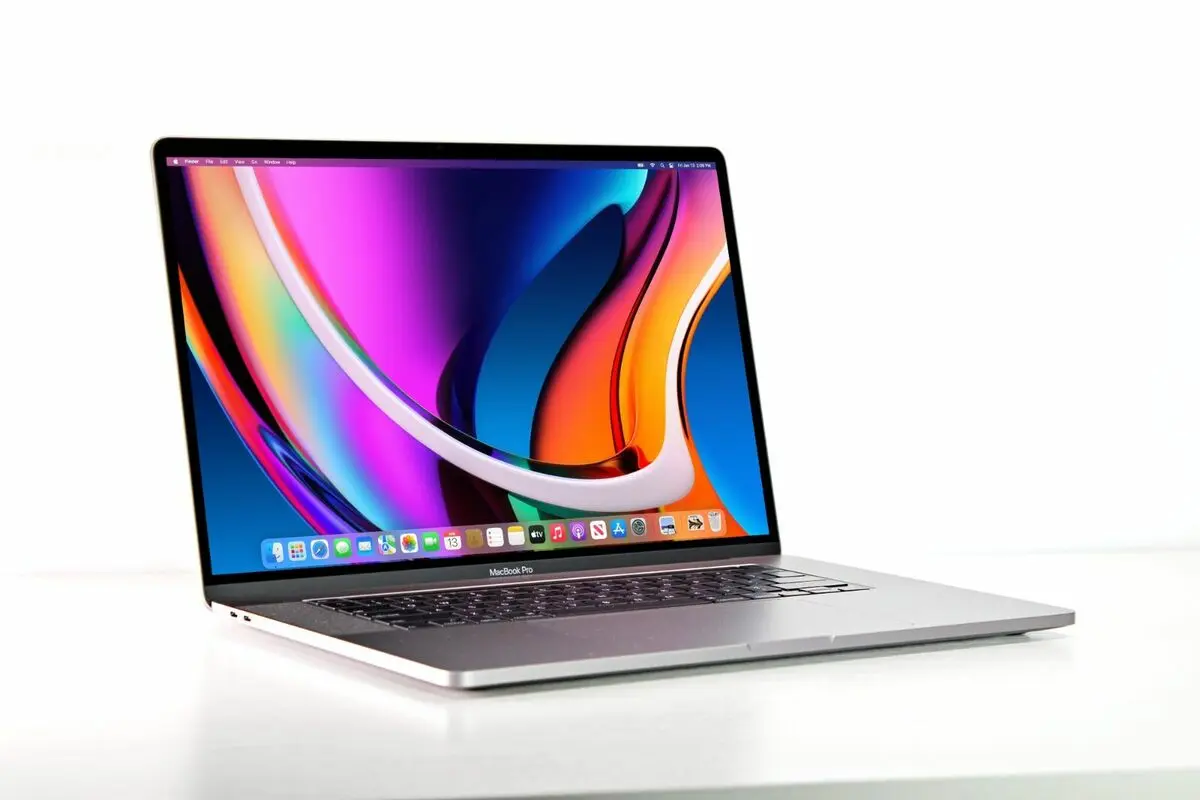
Sound familiar?
If your MacBook screen is doing any of these, we can fix it.
Cracked or shattered glass
Dropped, sat on, or closed on a pen. It happens to everyone.
Lines or bars across the screen
Coloured, black or white lines that won't go away.
Flickering or dim backlight
Screen dims at certain angles or flickers when you open the lid.
Black screen, laptop still on
You can hear it start up but there's nothing on the display.
Blotches or dead pixels
Dark patches, ink spots or pixels stuck on one colour.
Liquid damage
Coffee or water got in and the screen hasn't been right since.
How it works
Simple, clear and no pressure.
Book or drop in
Book online or bring it to us at 10 Clubb Lane, Miranda. Entrance is at the rear of the building.
We assess it
We confirm what's going on and explain exactly what's needed before any work starts.
You approve, we get to work
Nothing happens without your OK. Then we get it done properly and keep you updated.
Pick it up, sorted
Tested, cleaned and ready to go, with your files exactly where you left them.
MacBook models we repair
Not sure which model you have? Click the Apple menu, then About This Mac.
Why Shire locals bring their tech to us
Straight answers, careful work, and you're never left guessing.
Your files stay safe
A screen replacement doesn't touch your storage. Your photos, documents and settings come back exactly as they were.
No surprises
We tell you what's wrong and what it takes to fix before we start. You decide, every time.
Kept in the loop
We update you at every step, so you always know where your MacBook is and when it'll be ready.
Frequently asked questions
How long does a MacBook screen repair take?
It depends on the model and part availability. We'll give you a clear timeframe when we assess it, and keep you updated along the way.
Will I lose my data?
No. Replacing the screen doesn't touch your storage. We still recommend a backup before any repair, and we're happy to help with that too.
Is it worth repairing, or should I buy a new MacBook?
For most MacBooks, a new screen gives you years more use for far less than a replacement. If we think a repair isn't worth it, we'll tell you straight.
My screen has lines but no cracks. Can you still fix it?
Yes. Lines, flickering and dim backlights are often a display or cable fault. We'll pinpoint the cause and fix it.
Do you replace MacBook keyboards too?
Yes. Sticky, dead or liquid-damaged keys, we replace MacBook keyboards as well. See our MacBook Keyboard Replacement page.
Do I need to book, or can I just walk in?
Both work. Booking online means we're ready for you when you arrive.
Other repairs we do
Everything we fix, from screens to consoles, is on our services page.